Article
How to capture information by cataloging your notes
Sep 17, 2023
If you are familiar with a folder system, you already have experience with cataloging. A folder is a rudimentary cataloging system. Placing an item in a folder is essentially assigning it to a single category. A one dimensional cataloging system is insufficient for most notes.
Hashtags are a way to provide multidimensional cataloging, but a basic hashtag is not enough on their own.
The key to cataloging notes is having structured and well-defined categories. Spending a little bit of time upfront on the categories will pay dividends in the long run.
Categories can define your notes more thoroughly, providing shorthands for context, topics, and workflow details. For example, the two notecards below define the context of the note (e.g. client meeting), the topic of the note (e.g. product feedback), and workflow (e.g. urgent), just with the use of hashtags.
Categories also provide a way to link (aka connect) information. Or put another way, this provides a way to aggregate your notes and parse out information. Here are the various ways the example notes could be aggregated:
All feedback (regardless of product or client)
Only feedback about products
Only feedback about just productA
Only feedback from any client
Only feedback from any client and about products
We don't always know how information is going to be used in the future, so it's important to properly catalog notes regardless of how it's being used today.
These examples require the concept of subcategories discussed later.
It's also important to make a distinction between notes and documents. A note is an atomic piece of information. A document is a sequence of related information packaged into a presentable form. Cataloging a document can be difficult because it may have disjointed information that should be cataloged separately.
Notecards are the ideal format for note-taking.
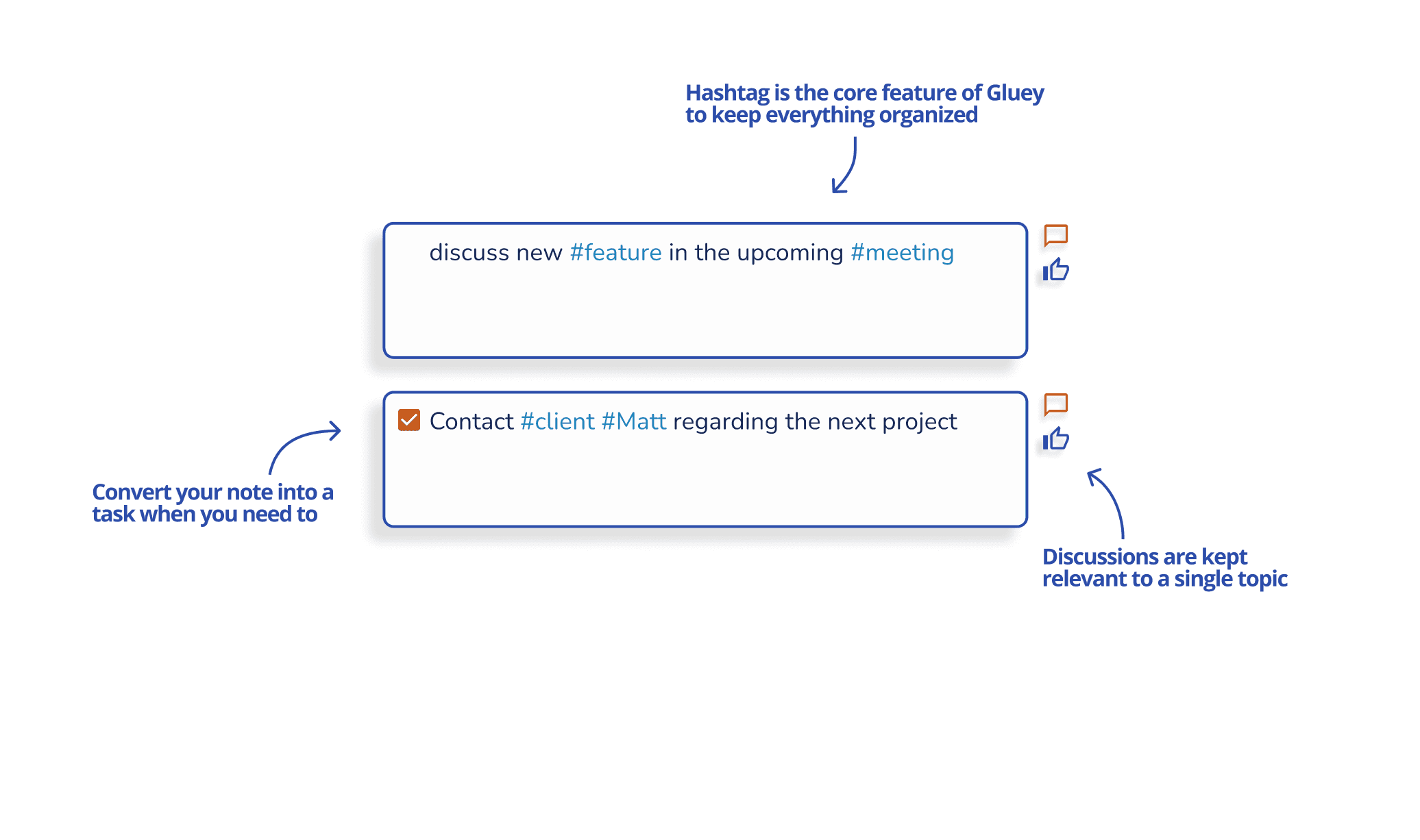
The process is:
Identify your categories - you can start with a small group of categories.
Define each categories
Description
Subcategories
Aliases
Dependencies
Capture notes using categories as a guide
Filter categories and use tags as a guide what to capture and catalog
Tag recommendations and auto-tagging
Use
Join our community on
Related blog posts
ABOUT
Copyright © Team Notebook 2023. Patent pending. Beta Testing: please don’t rely on this site for critical or important information.